

The app · Android and iOS · Free, with optional Pro features
Physics Toolbox Sensor Suite
The free core app for collecting and graphing data from every sensor on your device, with optional Pro features.
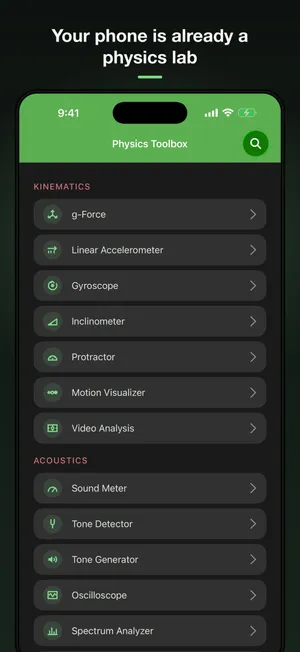
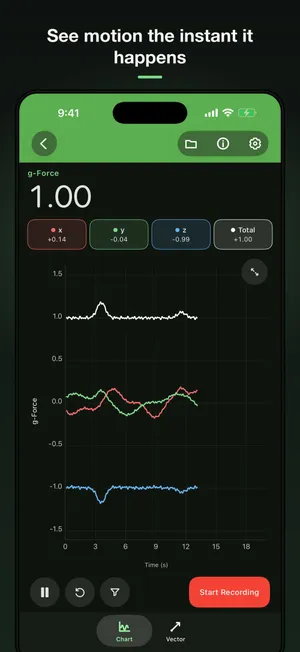
The app in 45 seconds
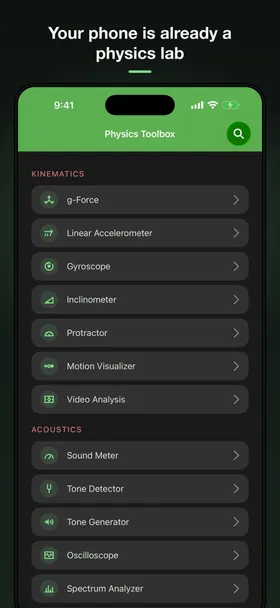
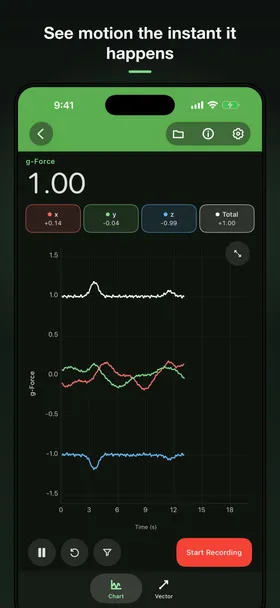
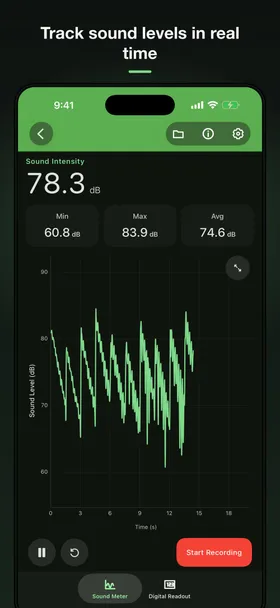
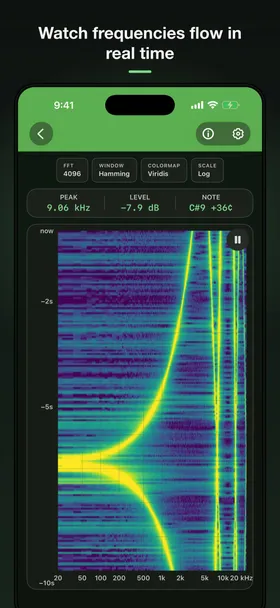
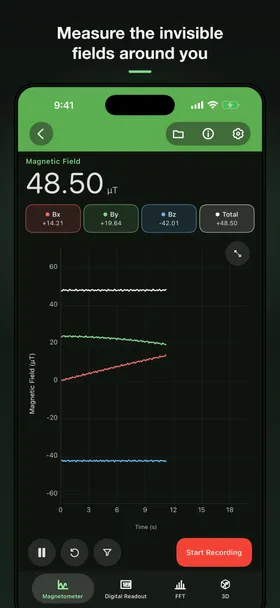
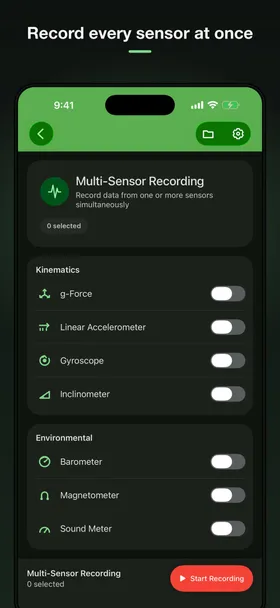
What it measures
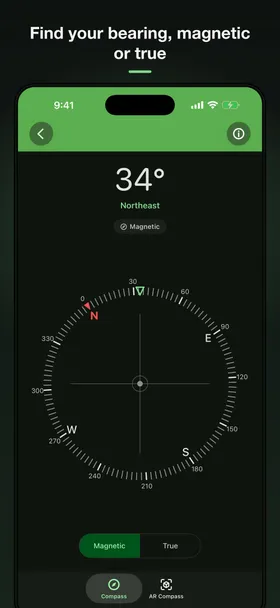
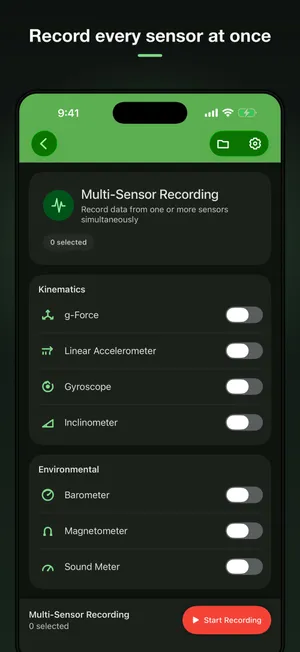
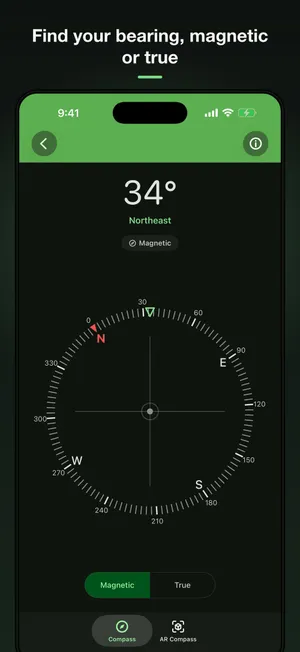
Every sensor in the phone, one screen each.
Physics Toolbox reads, graphs, records, and exports data from every sensor built into your phone. Free for physics, engineering, and STEM work in classrooms, labs, and the field.
See what each sensor measures and what’s in Settings, or jump to classroom-ready lessons.
Which modes appear depends on the sensors your device has. The app shows you which ones yours has. Read what each one measures.
Equipment for the other side of the bench: a tone generator, a color generator, and a stroboscope.
Free and Pro
Free does the science. Pro tunes the instrument.
Every sensor mode and generator, live graphs and digital readouts, and recordings saved as CSV files you can open anywhere.
Manual calibration for the barometer, light, magnetometer, sound, and other sensors, moving-average filters to smooth noisy data, and more. See the settings guide.
Take the data with you
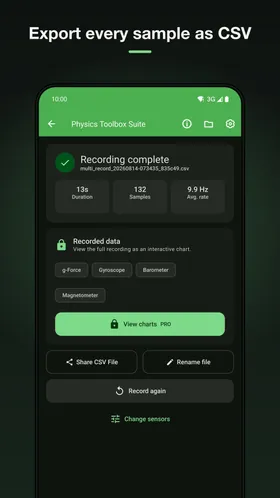
Record, then export.
Every recording can be exported as a data file for your own analysis in a spreadsheet, Python, or whatever you use. For classrooms that means a lab report; for research it means raw readings you control.
Also from Vieyra Software
 Magna-AR See and walk through magnetic fields in augmented reality, drawn from the phone's own magnetometer. Android · iOS Screenshots and details
  Physics Toolbox Accelerometer Accelerometer, g-force meter, and vibration analyzer with a live FFT spectrum. Android · iOS Screenshots and details
  Physics Toolbox Magnetometer A precise magnetic field meter with live graphs, a 3D compass, and CSV export. Android · iOS Screenshots and details
  Physics Toolbox Tone Generator Generate sine, square, triangle, and sawtooth tones at any frequency and volume. iOS Screenshots and details
 Find them under the same developer on Google Play and the App Store.