Global Conversations
Global Conversations
Physics Toolbox at the
National Science Teachers Association
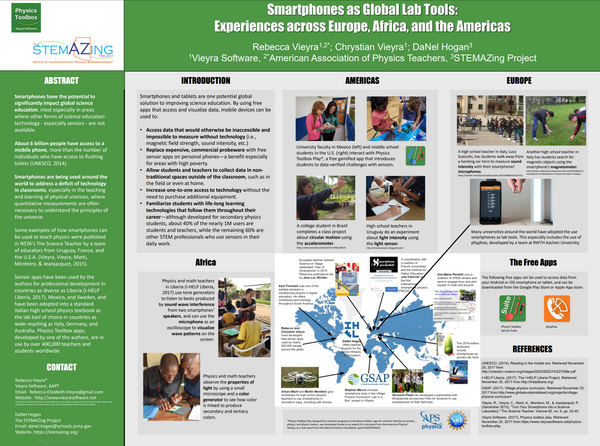
Poster and Presentation at the Global Conversations Showcase
This month we've heard a lot from our users about their use of our apps for doing professional development with teachers, from STEM workshops with students from the Americans to Europe and Africa. We shared some of the activities we've seen over the years at the Global Conversations gathering at the National Science Teachers Association earlier this month. If you happen to do a workshop, please consider sharing some photographs, as well as contributing to a repository of workshop ideas we'd be very happy to curate to support others who want to do workshops. Reach our directly to us at support@vieyrasoftware.net
New Features for Pedagogy and Understanding
Physics Toolbox Sensor Suite and Pro now include a new visualizations in the Setting options: vectors, separate multi-graph views, and additional GPS info.
Gravitational Components Vector (g-Force Meter)
Accessed from the g-Force Meter mode, the vector display shows the gravitational components. This visualization shows the relative total gravitational force aligned with the plane of the device's screen. Components of the green resultant vector are displayed in blue along the x-axis and in red along the y-axis. While the green is vertical wit hrespect oteh ground and not accelerating, the vector will read a value of 1 unit in the downward direction. Values of the components can be displayed with the press of a button. Note that the vector does not directly represent actual weight values, g-force values, or general acceleration values.
This visualization can be helpful to students in solving "inclined plane" problems in which they are often asked to rotate their frame of reference to match the plane, and to express acceleration as a component of 9.8 m/s/s.
Vector (Linear Acceleration)
The vector visualization in the Linear Acceleration mode represents the relative acceleration aligned with the plane of the device's screen. Components of the green vector are displayed in blue along the x-axis, and in red along the y-axis. The vector will only appear when the device is accelerating within the plane of the device's screen.
This visualization can be helpful to students who are learning about net forces and acceleration. An exciting challenge is to have students predict when the arrow will appear when the device is held vertically in an elevator.
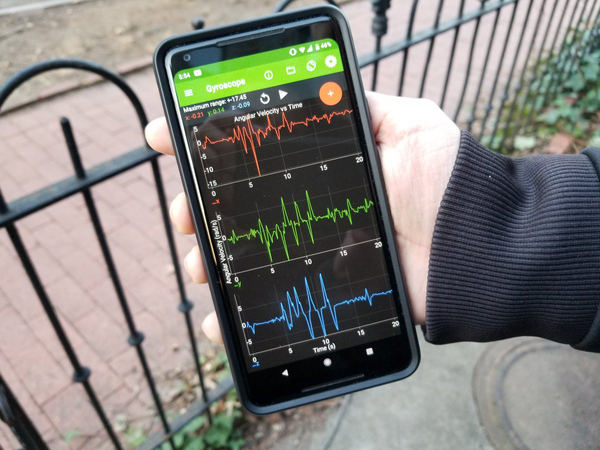
Graphical Multi-View (g-Force Meter, Accelerometer, Gyroscope, Magnetometer)
For all 3-D sensors, multi-view is available to allow users to visualize separate axes on their own graphs. Users may select to display any of the three dimensions of data, in addition to a total resultant value (if available for that sensor).
GPS Advanced Stats
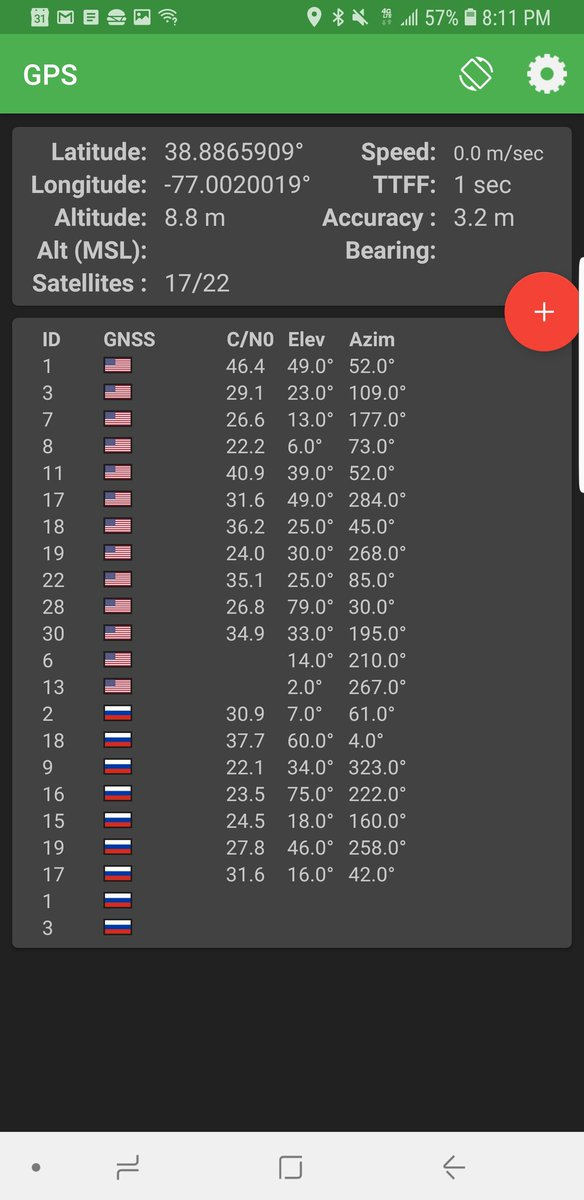
Suite and Pro both now have an additional set of features on GPS mode. Click the "Advanced Stats" button to see the following:
Alt: Altitude measured from local ground level using the WGS84 ellipsoid height.
Alt (MSL): Altitude measured from mean sea level (MSL). *Curious to know more about Alt vs. Alt (MSL)? Check out this article.
TTFF: Time to first fix (TTFF) is the amount of time needed to connect to satellites to determine location information, and is a proxy for the "strength" of the GPS signal. *Learn more in this article about TTFF.
Satellite Details: The app reads data from multiple international satellite-based navigation systems, including GPS (U.S.A.), GLONASS (Russia), Galileo (European Union), BeiDou (Chinese), IRNSS (India), and QZSS (Japan)
TV News Feature from the
Polytechnic University of Valencia
Un Laboratorio en el Bosillo
Physics professor Juan Antonio Monsoriu (@JuanAntMonsoriu) describes how he uses smartphone apps in physics teaching at his university in this short feature.
An Italian Webinar
Smartphone nelle Scienze ed in Fisica: Esempi Concreti in Classe
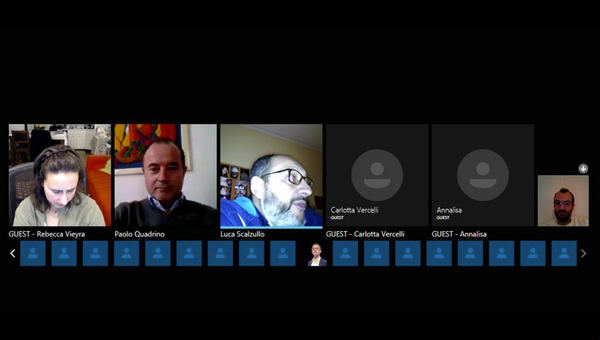
Over 30 Italian educators gathered to learn about Physics Toolbox on March 10 at a webinar, part of the WikiScuola online course. (Screen capture from Alfonso D'Ambrosio).
Quick Lab Idea
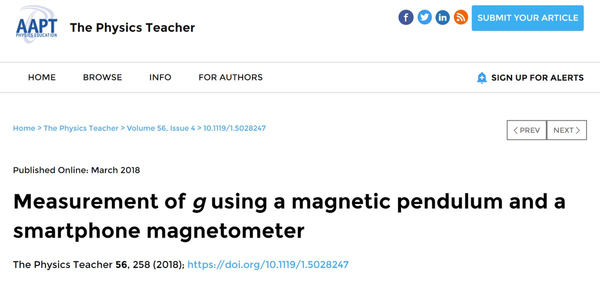
How many ways can you measure "g"? Free fall is one, and using a pendulum are another. We've seen pendulum studies done with the proximeter, accelerometer, and even light meter. For the first time, here's a clever way to do it with a magnetic pendulum and magnetometer.
Physics Toolbox around the Web
We are always curious to learn about how Physics Toolbox is being employed in education and industry around the world. Here are a few references using or citing the work of the Physics Toolbox team.
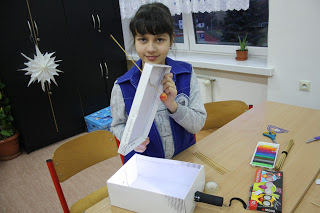
Teacher Anna Adamek in Poland has her students model changes in light intensity caused by exoplanets eclipsing their stars.
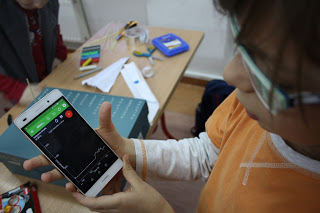
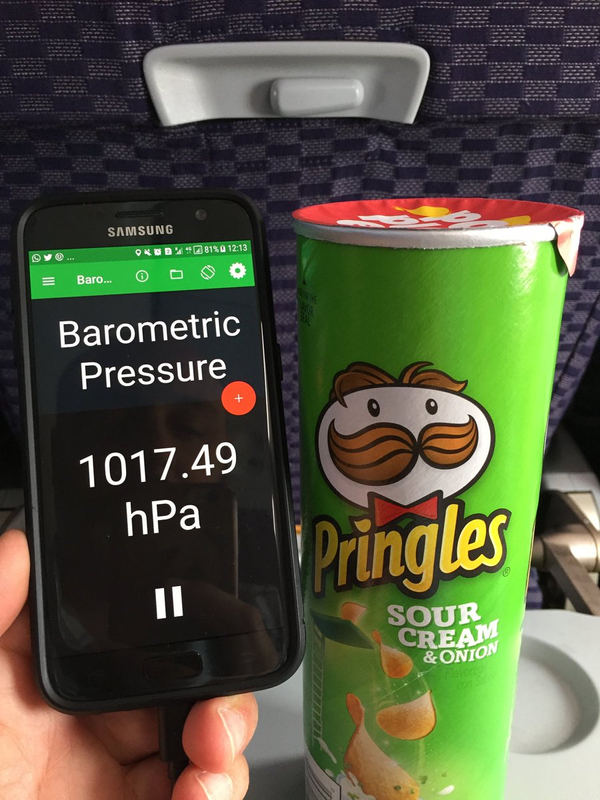
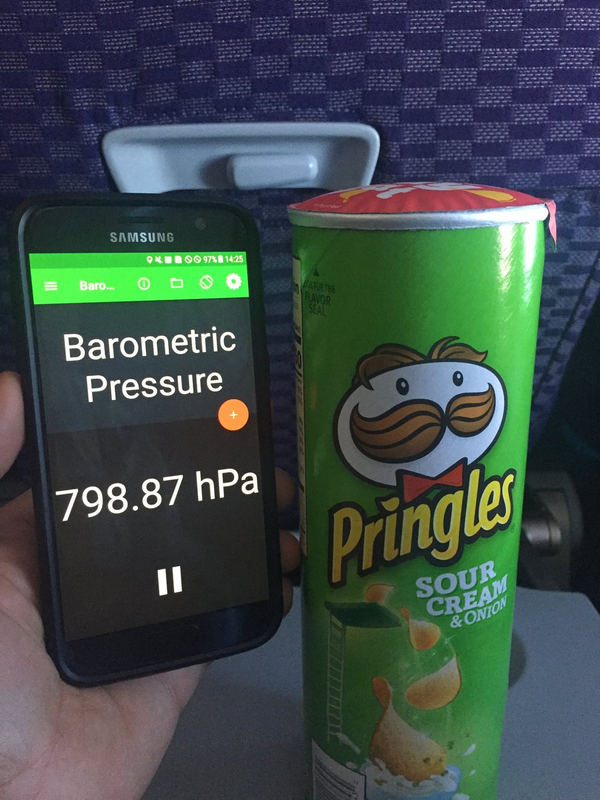
Our Uruguayan user Martin Monteiro @fisicamartin shares some fun photos from his flights to and from the U.S.
We found this gem, below, on Facebook from Ian Schroeder in South Africa. We're guessing this is a study of impulse during a ball toss.
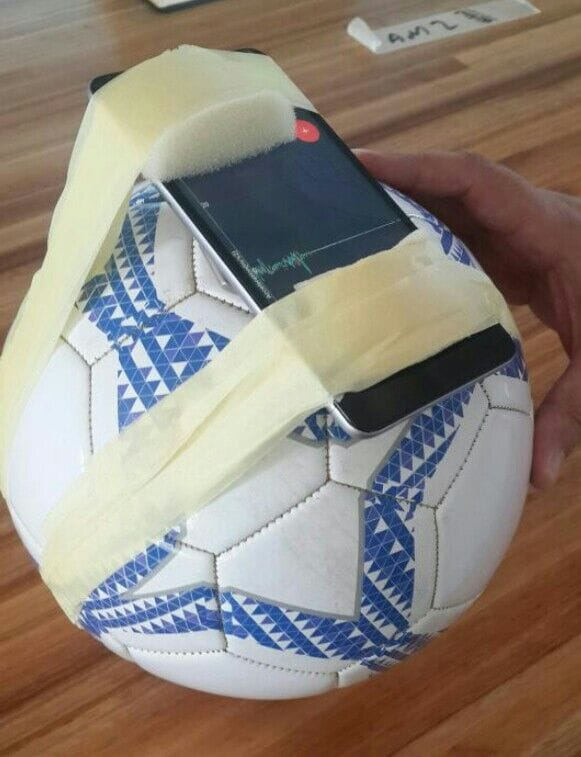
The author assured his readers that he "had a student catch it." :-)
On an added note, we're always surprised with the risks users are willing to take! If this is something you are willing to do, this might be a good scenario for using a high-durability protective case.
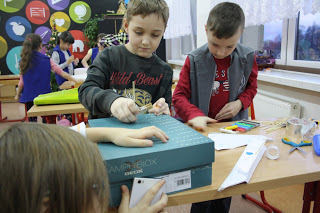
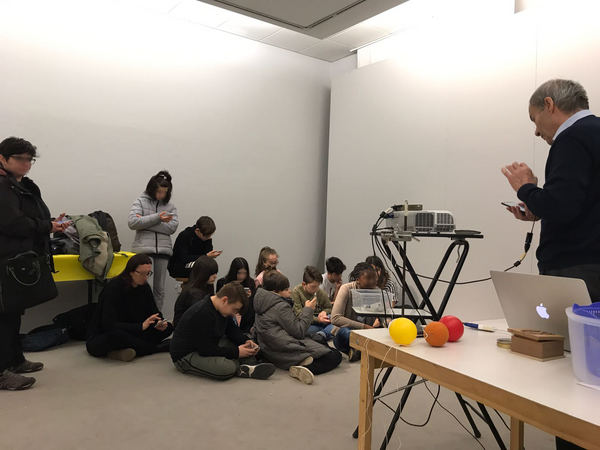
Last week, international advisory member Giovanni (Gianni) Pezzi used Physics Toolbox Play as part of outreach to multiple groups of school children in Italy. His work has provided us with important feedback. If you choose to use Physics Toolbox Play for outreach, check out our User Guide and drop us a note with your thoughts.
Have Physics Toolbox Apps been useful to you? We'd love to get your feedback on this quick 5-minute survey.
Have a great story to share about how you are using Physics Toolbox Apps? We'd love to feature you and your ideas in our newsletter or on our website! Drop us a message at any time to share your story.
Previous Newsletter Editions